

Nobody builds with one model anymore. Here is the stack I reach for, tool by tool, with the one trick that makes each earn its place.
Everyone keeps asking which AI tool to use, as if one of them is going to win. None is. There’s a stack — more a mix, three or four tools combined into one good cocktail.
I’ll write mine up, just as much for me as for the readers so I gain clarity.
I came up in print design, where the desk ran Photoshop, Illustrator, and QuarkXPress at once for very specific tasks. You learned which tool did which job, and the skill was the routing, not loyalty to any one box on the screen.
AI is the same.
Each tool here was built — literally by design — for a different intent and a different ideal customer profile: a different user, a different job, a different idea of done.
No single one wins, and why forcing one to do another’s job fights its design.
Treat this as a data point of one — this is my go-to list, shaped by my biases. The biggest: I don’t like the command line, so anything that only lives in a terminal loses me.
I started writing my book about ChatGPT in ChatGPT and finished it in Claude, which understands my writing style best. The set keeps shifting, too — this year I’ve moved off Perplexity, Lovable, OpenAI, and Google search.
The names could change next week. The habit of matching tool to job won’t. The answer is a way to decide which job needs which tool that doesn’t reduce to my taste, and it’s worth more than the list itself. Each section below is one job and the tool I matched to it, with notes on where the alternatives break.
Watch how the matching works; I’ll hand you the method at the end.
Reading and Summarizing — NotebookLM
NotebookLM is what I open when the job is reading, not writing — a pile of PDFs, transcripts, reports, my own back catalog — anything where I need answers grounded in those documents, not the open web. It’s improved drastically over the past year; the early version was a clever demo, the one I use now is load-bearing.
What separates it from a general chatbot is the constraint and it’s ability to create a corpus easily. It’s like a small language model scoped to nothing but the documents you hand it. It only answers from what you feed it, which is exactly why it lies to you less.
The counterintuitive part: you make NotebookLM smarter and more focused by removing sources, not adding them. Quality drops as the haystack grows, and the free tier already caps a notebook at fifty sources of 500,000 words each — more than enough rope.
It can answer from what you feed it, which is exactly why it gives better answers.
Use it on your own writing, too: I keep my ChatGPT prompting book and my last thirty articles in one notebook and ask what I’ve already argued, so I stop publishing the same idea twice. It also builds a rough slide deck from a notebook — a structure to react to instead of a blank page.
In practice
- Loading my back catalog and book into one notebook, then asking what I’ve already argued before drafting.
- Dropping research reports and PDFs in and interrogating them, with citations back to the source.
- Generating a deck or explainer from dense sources to get a first-draft structure.
What I used in 2025
- Perplexity and a lot of Google searches.
What I don’t use
- ChatGPT for research — too willing to fill gaps it can’t actually source.
Writing — Claude
Claude is where the writing happens, and where most of my editing happens — which is most of the work. Drafting is the easy part; the labor is the cutting, restructuring, and line-editing that turn a draft into something worth reading. Most people reach for a writing tool to skip exactly that, which is backwards: skipping the edit is how you get the bland, average-of-the-internet draft everyone can already smell.
Don’t ask for a blog post cold, either. A blank “write me something about X” gets you the average of the internet.
Hand it a reusable prompt — your voice, your structure, your sourcing rules — and feed the topic and outline into that into that. The gap between a cold ask and a governed prompt is the whole game.
The gap between a cold ask and a governed prompt is the whole game.
Then make distribution part of the draft: have it write the LinkedIn, Substack, Threads, and X versions in one pass, each sized to its platform. You wrote it once; the repackaging should cost minutes, not an afternoon.
In practice
- Drafting and editing my Medium and Substack articles against a clear instructions that carry my voice.
- Turning a finished article into LinkedIn, Substack, Threads, and X versions in one pass.
- Cutting a bloated section by a third, or restructuring an argument that isn’t landing.
What I used in 2025
- ChatGPT — where I drafted before Claude read my style better.
What I don’t use
- Jasper — built for marketing copy, not the kind of writing I do.
Writing Skills — Claude Code
The newest thing I do with Claude Code is write skills — reusable capabilities I hand it once and call on forever, instead of re-explaining the same task every session.
A skill is just a structured instruction file, and I write mine in the CARE format: Context, Ask, Rules, Examples per nnGroup’s guidance. Context sets the situation, Ask states the job, Rules constrain how it’s done, Examples show what good looks like.
That structure is why they hold up. A skill written as a vague paragraph leaves up to chance; one written in CARE holds up — it stays legible to me and the model months later, and improves every time I feed a correction into the Rules or a good result into the Examples.
A skill written as a vague paragraph rots; one written in CARE holds up.
The tip is to treat a skill like a living document, not a one-off prompt. Write it, version it, and let corrections accrue. The first version is never the good one; the tenth, after real use, is.
In practice
- Writing reusable Claude Code skills in CARE format — Context, Ask, Rules, Examples — for tasks I repeat.
- Folding each correction back into a skill’s Rules so the same mistake doesn’t return.
- Letting approved results accrue as Examples until the skill beats a cold prompt.
What I used in 2025
- ChatGPT and custom applications I built for the tasks I repeated.
What I don’t use
- A pile of one-off prompts — they don’t compound the way a versioned, CARE-formatted skill does that learns from my context.
Prepping Build Instructions — Claude
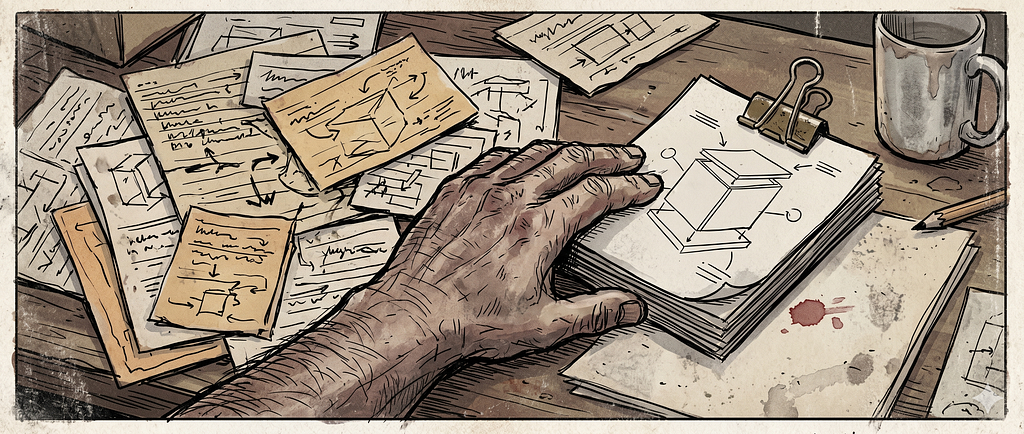
Writing prose isn’t the only prep Claude does. Before anything gets built, this is where I draft and consolidate the instructions — and when a spec is spread across a lot of documents and instruction sets, that prep is most of the battle.
Synthetic agents are the clearest case. A system of them only works if every agent’s role, rules, and guardrails stay coherent and don’t quietly contradict each other across a dozen files. Pulling all of that into one clean, consistent spec is exactly the cross-document thinking Claude is good at.
A clean spec is worth more than a fast start.
Get the instructions right before you open a build tool. A clean spec is worth more than a fast start. Write the roles and rules in Claude, resolve the contradictions while they’re cheap, then hand the finished spec to Claude Code or Cursor — fixing a confused one later costs ten times as much.
In practice
- Writing the full agent spec — every role, rule, and guardrail — before a line gets built.
- Consolidating an internal tool’s instructions, scattered across a dozen documents, into one spec to hand off.
- Catching where two instruction files quietly contradict each other before any code exists.
What I used in 2025
- Google Docs and a tangle of loose notes.
What I don’t use
- ChatGPT for specs — it loses the thread across a lot of documents faster than Claude does.
Building Applications — Claude Code and Cursor
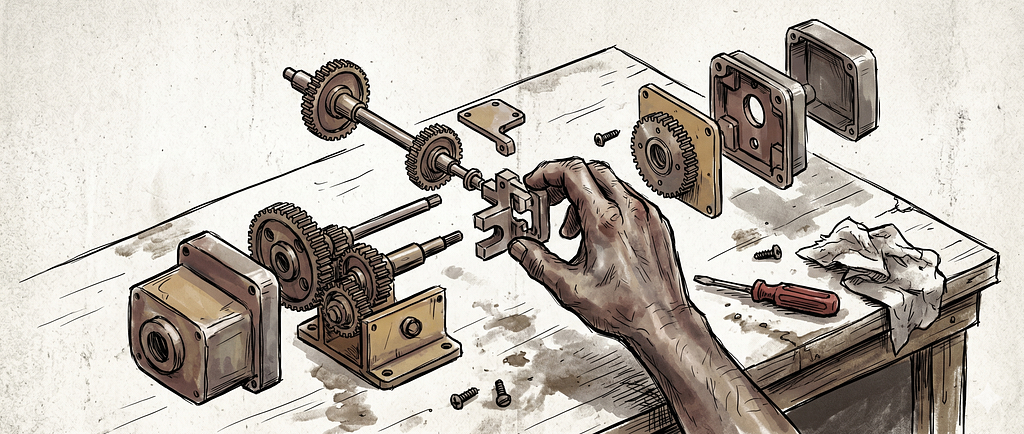
When the job is an actual working application, I use Claude Code and Cursor. I treat them as interchangeable — two doors into the same room. Both let me describe what I want and get working code back; which one I open is mostly habit. People love to litigate the differences; I reach for whichever is open.
The deeper shift is that I increasingly design without mockups. The cost of building the real thing has finally dropped below the cost of faking it. A prototype used to be the cheap stand-in for the expensive product; now the product is cheap enough that the stand-in is the waste.
The cost of building the real thing has finally dropped below the cost of faking it.
We’ve been here before. When Dreamweaver and the what-you-see-is-what-you-get editors arrived in the late nineties, the people who thrived understood structure, not syntax.
The uncomfortable part: the mockup is becoming a comfort blanket. That this is a real category is easy to confirm — Cursor, a fork of Visual Studio Code, crossed two billion dollars in annual recurring revenue inside three years.
The tip that matters most: describe the system rules, not the screens, then read the diff like a code review.
In practice
- Building UX Components, a reference app for UI components across design systems, instead of mocking it up in Figma.
- Using Cursor for in-editor changes to code I’m already in.
- Handing Claude Code a whole task, letting it run, then reading the diff like a code review.
What I used in 2025
- Lovable for quick prototypes.
What I don’t use
- Bolt — fine for a quick demo, but I want to own the codebase.
- GitHub Copilot — autocomplete, not the agentic building I’m after.
- Claude Design for prototyping — it’s for presentations; I’d rather build the real thing.
Presentations — Claude Design
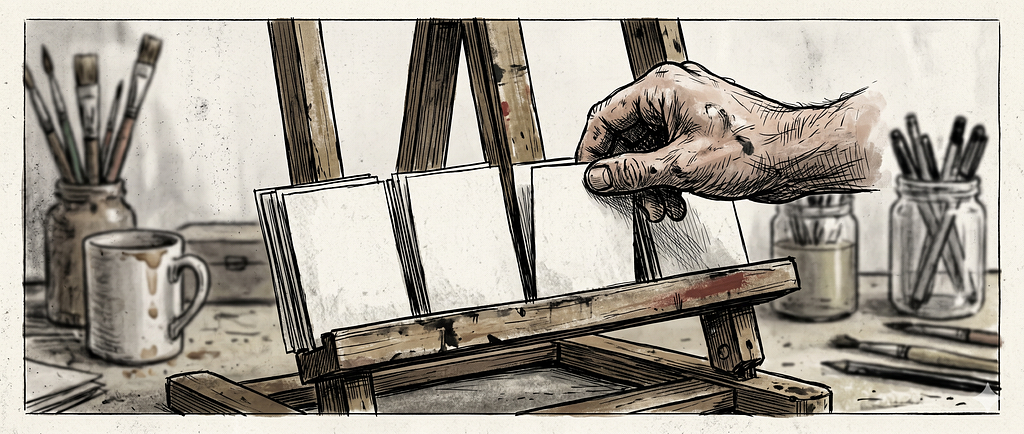
Claude Design is what I reach for instead of grinding out a deck in slide software, nudging boxes by hand. You describe the presentation, iterate on a canvas through chat, and skip most of the manual layout.
The trap is letting the polish stand in for thinking; it will happily make a beautiful slide that says nothing. So bring the argument first, the structure second, the polish last — the same order you’d use writing anything. The tool will make it pretty. It can’t make it coherent.
The tool will make it pretty. It can’t make it coherent.
Paste your outline and let it propose the slide breaks, then edit its structure rather than starting from a blank canvas. You’re a better editor than starter.
In practice
- Turning a rough outline into a conference or pitch deck I can react to.
- Letting it propose the slide breaks so I’m editing structure, not facing a blank canvas.
- Producing an on-brand one-pager without opening slide software.
What I used in 2025
- Gamma, and a lot of manual Keynote.
What I don’t use
- Beautiful.ai — solid, but I’m already iterating in Claude.
Images — Gemini Nano Banana
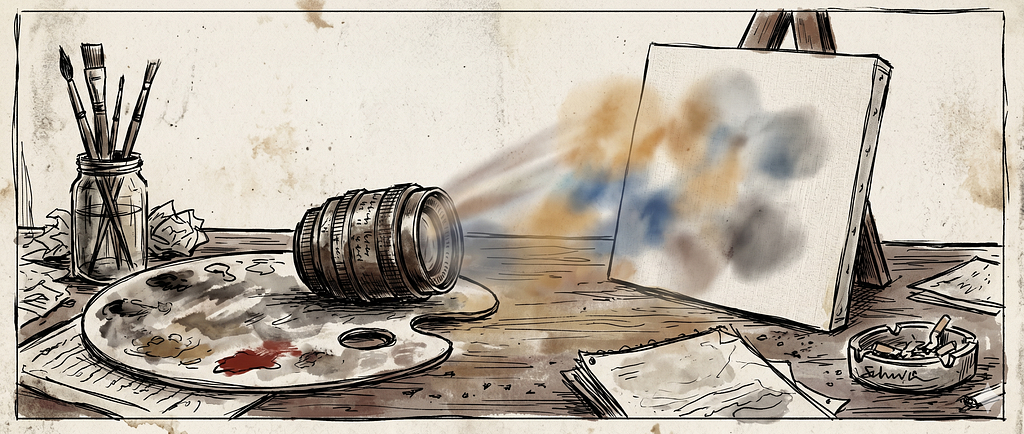
For images — hero art, section illustrations, concept visuals — I use Gemini Nano Banana. It’s genuinely good now at the two things that used to be hardest: rendering legible text in an image, and pulling on real-world knowledge so the subject looks right. It moves fast, too: the current model, Nano Banana 2, launched in February 2026, will have a sequel by the time you act on this.
Write the prompt like an art director’s brief, not a wish.
Write the prompt like an art director’s brief, not a wish: name the subject, composition, lighting, aspect ratio, and style reference. Vague prompts get vague images. I write those briefs in Claude and move them to Gemini Nano Banana to render: think in one tool, execute in another.
And don’t bake text into the picture; add captions as real text underneath, so they stay editable and accessible.
In practice
- Generating the hero and section images for my articles, with the briefs written in Claude first.
- Holding one consistent aesthetic — lately a raw, Bukowski-style dirty realism — across a whole piece.
- Producing concept visuals to make an abstract point land.
What I used in 2025
What I don’t use
- Ideogram — fine, just not where I’ve landed.
Automation — Claude Cowork
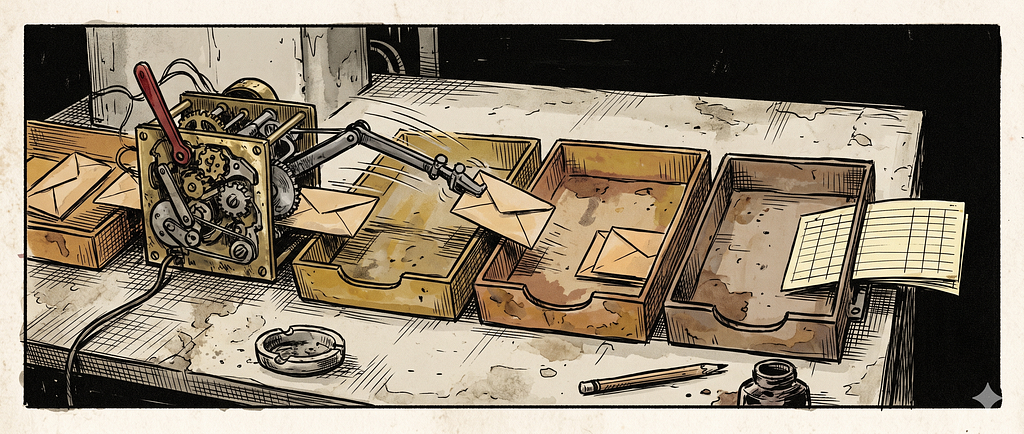
Cowork is the one that runs when I’m not watching — the agentic side of Claude built for knowledge work. I point it at tasks that span more than one system, the connective tissue that used to eat an afternoon.
More than any other tool here, I think it’s where this is heading. The leverage stops being a smarter model in one box and becomes an agent that can traverse multiple systems — docs, inbox, analytics, publishing — and do the work in between. That’s the future, and Cowork is the closest thing I use to it.
The obvious alternative is OpenClaw, the open-source agent that went viral by actually doing things on your machine instead of talking about them. I don’t use it. Handing an autonomous agent that much access to my files, accounts, and systems is a trust decision, not a feature comparison — and I don’t trust it with the keys. Cowork does the same work inside a boundary I’m comfortable with.
Automate the seams, not the craft.
Two jobs on repeat: it schedules a week of Substack Notes, and it compiles my content analytics — pulling numbers from where they live and summarizing what moved. The rule is to automate the seams, not the craft. Cowork is good at the handoffs, not the thinking. Write the post yourself; let Cowork get it out the door.
In practice
- Scheduling a week of Substack Notes so they post on time without hand-pasting.
- Compiling a content analytics report that pulls numbers from where they live and summarizes what moved.
- Running the recurring cross-system errands I’d otherwise lose an afternoon to.
What I used in 2025
- Zapier, and a lot of manual copy-paste.
What I don’t use
- OpenClaw — too much access for my comfort, as above.
Video and Animation — Grok
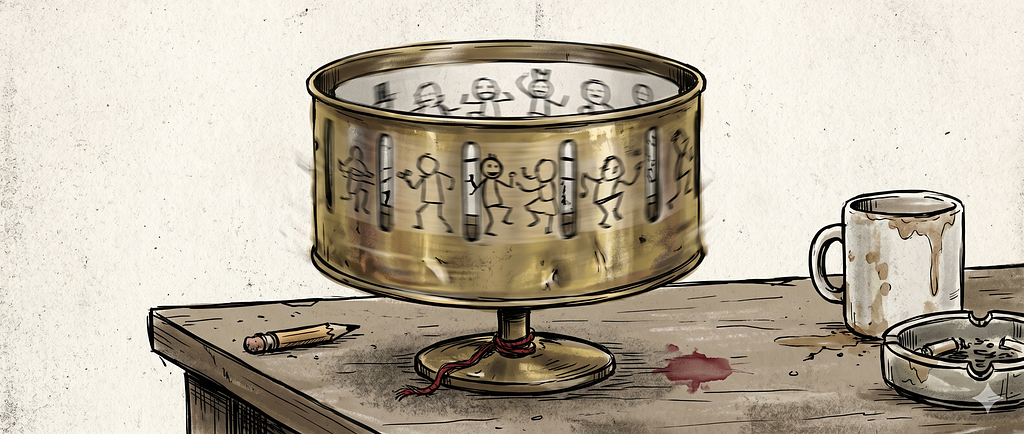
Grok is the toy in the kit, and I mean that as a compliment. When I want a short video or a loose animation to make a point land, I open Grok and let its image-and-video side, Grok Imagine, do the work; the current video model arrived in mid-2026.
It’s the one tool I use for fun first, work second. Treat it as a sketchbook for motion, not a render farm.
Treat it as a sketchbook for motion, not a render farm.
Keep the prompt short and aimed at the motion, generate a pile of cheap variations, and keep the one in twenty that surprises you. Don’t fight it for frame-perfect control — that’s a different tool and a different budget. The value is how little it costs to try something dumb and find out it’s good.
In practice
- Spinning up a short concept clip to make a point move instead of sit still.
- Generating loose variations and keeping the one that surprises me.
- Quick, playful motion experiments that never need to be polished.
What I used in 2025
What I don’t use
- Pika — more powerful, but overkill for the throwaway clips I make.
The Routing Is the Skill
If your edge is knowing the current stack, your edge has a short shelf life.
So here’s the method I promised, the part that outlives any name on this list. Forget the tools for a second and look at your work. Break it into actual jobs — reading, drafting, building, deciding — because the unit that matters isn’t “do my work with AI,” it’s the specific job in front of you.
Ask three things of each job.
- What is it, exactly?
- Which tool was built for that intent — whose ideal user has this exact problem?
- And where does that tool break, so you find out before you commit instead of after?
That’s also why “just use one model” fails as an objection. One tool can do every job passably, and passable is the most expensive option there is — it’s the rework, the bland draft, the prototype you rebuild.
The cost of switching is small and visible; the cost of forcing the wrong tool is large and hidden. The designers who survived the jump from paste-up to desktop publishing understood this — they weren’t loyal to a tool, they understood the work the tool stood in for.
So don’t audit your tools. Audit your jobs. Find the one where you’re settling for passable because switching feels like a hassle, and switch. The stack will keep changing under you — but decomposing the work and matching each piece to its tool is the habit that compounds.
The seven AI tools I actually use and when was originally published in UX Collective on Medium, where people are continuing the conversation by highlighting and responding to this story.


