


Assistants like Claude are pulling more tasks through a conversational front door. Jakob Nielsen’s law of familiar interfaces now points at the assistant itself with glee.
“Users spend most of their time on other sites.” — Jakob Nielsen, Jakob’s Law (2000)
Jakob Nielsen wrote his law in 2000, and it has outlasted almost everything else from that era of the web. Many of his commandments still hold, and not because technology stopped moving — it never does — but because people don’t change nearly as fast as their tools.

The implication: users expect your site to work like the ones they already know in the same way we expect automobiles the act a certain way i.e. if the steering wheel is a bunch of levers, I’m not going to want to rent or buy that car.
It’s why organizations stood up design systems teams — to hold to the best practices of application design, so every screen stayed aligned with what people already expected yet still innovate with in the brand.
For 30 years that meant matching the conventions of the wider web, because that’s where users built their habits
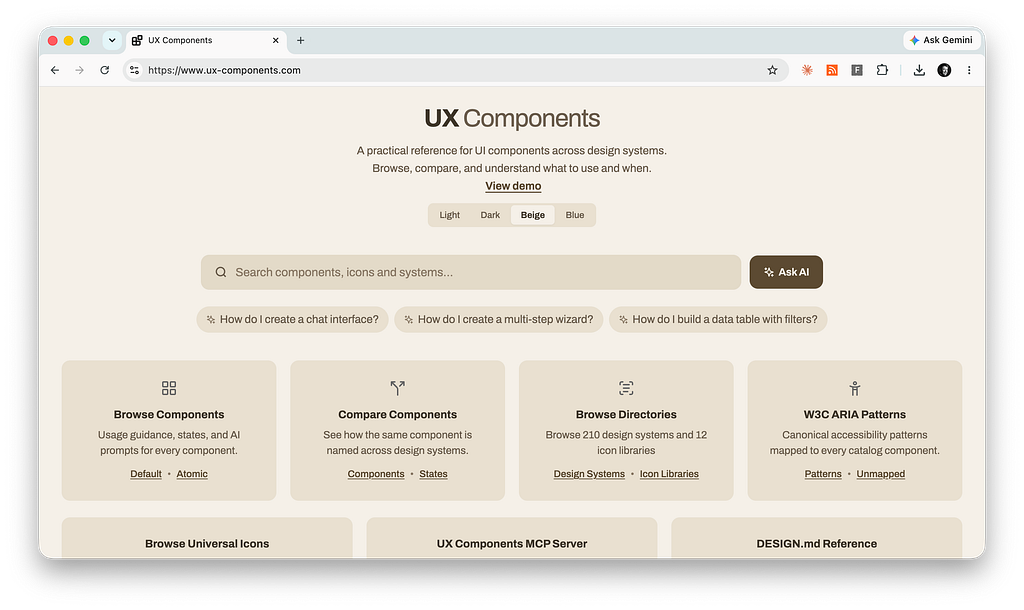
That’s changing fast.
More and more tasks no longer start at a website or an app — they start in an assistant. You ask Claude or ChatGPT to draft the email or pull the numbers, and the work happens through one conversational surface instead of a dozen disparate interfaces from different vendors and design teams.
The number of interfaces a person touches is falling, and the assistant is becoming the front door to tasks that each used to have their own destination across multiple browser tabs.
Their sameness is a feature because every assistant runs on the same pattern — an asking box, a reply, a back-and-forth — learning one teaches you all of them, so a new AI tool needs no manual and gets adopted faster than any onboarding flow could manage.
This is by design as we’re learning how to adjust for this new era.
Jakob’s Law usually reads as a warning against deviating; here it runs the other way, as the reason uptake is this quick. The more these interfaces resemble each other, the less anyone has to learn, and the more willing people are to try the next one which gives us a chance to be creative in inventing the future. This flips his law on its head.
The work it was about —reading an interface’s conventions and adapting to them — the agent now does for you in many cases, since you never touch the unfamiliar tool yourself. The catch is that the agent doesn’t carry a lifetime of human habit into that reading — it can barely remember the context of the last conversations — so to do it well it needs the conventions spelled out rather than assumed.
That’s why design components and their semantic layer matter more than ever — they make conventions explicit and predictable, the clear expectations users need to move across sites and the legible structure an agent needs to read one.
That doesn’t retire Jakob’s Law; it moves the work to a different set of surfaces and requires even more standardzation.
If most use cases now flow through the assistant, the question for anyone building software isn’t only whether your product works when reached through that surface — it’s whether you’ve given the agent enough context to use it well by using standard patterns.

The Surface Count Is Falling
For most of computing’s history, software multiplied; every job got its own destination — an app, a site, a tool, each with its own interface to learn — until the home screen filled up and the browser tabs multiplied past counting.
Jakob’s Law existed precisely because there were so many surfaces, and users needed them to behave alike because a dropdown is a dropdown is a dropdown.
Assistants run the other direction, absorbing jobs into one place.
People now route work through whichever assistant they already have open — Anthropic Claude, Microsoft Copilot, Google Gemini, ChatGPT — instead of opening a different tool for each task. It’s not only the standalone assistants, either because the chat tools people already live in have become conversational surfaces in their own right: Slack now runs AI agents directly in its channels, including third-party ones from Anthropic and others, and Microsoft Teams puts Copilot and its agents in the same window where coworkers talk.
Open-source projects push the same idea further: OpenClaw, a fast-growing self-hosted agent, drops a model of your choosing — Claude, GPT, Gemini — into whatever messaging app you already use, from Slack and Teams to Discord, WhatsApp, and Telegram.
The conversation people were already having with each other is now also where they talk to the software so the users don’t have to relearn it.
OpenAI lets third-party apps run inside ChatGPT itself, so you can search listings, build a deck, or pull up a playlist without leaving the conversation. Anthropic’s Model Context Protocol does the same work from the other side: it’s an open standard that connects an assistant to the systems where data and tools live, replacing a pile of one-off integrations with a single protocol. Claude reaches your calendar, your documents, and your issue tracker through that one connection.
The deeper shift is what the assistant does once it’s there.
It doesn’t just answer in one place — it goes out and does the interpreting. Claude Cowork takes a goal and works across your files and applications, synthesizing across many sources and handing back a finished deliverable, rather than answering one prompt at a time.
Point it at the work and it moves between the sources itself. The labor of visiting a dozen sites, reading each one, and piecing together what they mean — the exact cognitive cost Jakob’s Law set out to reduce — the agent now absorbs almost entirely. The user states the outcome; the interpreting happens out of view.
The labor of visiting a dozen sites, reading each one, and piecing together what they mean — the exact cognitive cost Jakob’s Law set out to reduce — the agent now absorbs almost entirely. The agent now packages the information for you, which is going to dramatically improve the enterprise experience once we get the APIs in place.
Put it together and the direction is clear. The number of surfaces in the world isn’t shrinking — software keeps multiplying as fast as ever; What’s falling is the number any one user touches directly, because the assistant has become the common surface and an agent increasingly does the cross-surface work the person used to do by hand.
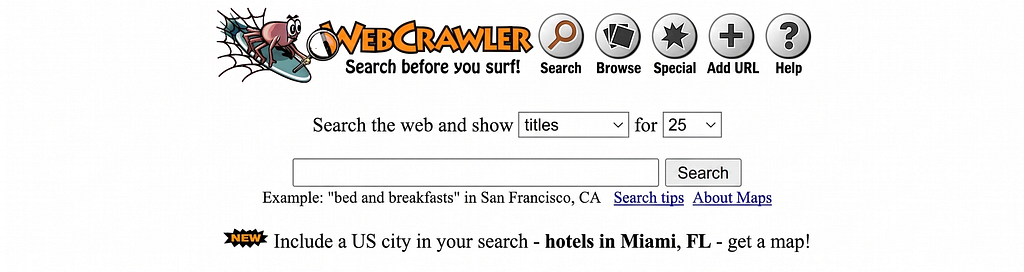
We’ve watched a version of this before. The late-1990s web was a sprawl of directories and portals — Yahoo’s hand-built index of where to go. Then search collapsed all of that into a single box.
And sometimes the count drops to zero.
A surface doesn’t always shrink into the assistant — sometimes it never appears at all, because the work has gone ambient. An agent watching your inbox files the receipt, flags the renewal, and reschedules the meeting in the background, and the first you hear of it is a summary after the fact, if that.
There’s no screen to open and no conversation to start, so the interface Jakob’s Law was written about simply isn’t there — which is a harder design problem than a familiar screen, not an easier one.
Action items
- Map the journey across surfaces. Lay out the user’s end-to-end journey, then mark which steps now happen in an assistant, which still happen in your product, and where the handoffs fall. The handoffs are where expectations break and where your design work moves.
- Watch where tasks start. For a week, note when you reach for an assistant before the app you’d once have opened — your own behavior is the leading indicator for your users’, and sets expectations immediately.
- Stop counting screens and reducing clicks as wins. Retire the metrics that reward time-in-app and page views. If the assistant does the task, those numbers fall even when you’re winning.

Jakob’s Law Points at the Assistant Now
Jakob’s Law is a claim about reference points and users build mental models in the places they spend their time, then carry those expectations everywhere else. When the time was spent across many websites, the reference set was the web’s shared furniture — logo top-left, search top-right, cart and notifications in the corner.
When the time is spent in an assistant, the reference set becomes the assistant.
You type a request in plain language, get something back, and refine it in conversation, expecting it to remember what you said two turns ago. Hundreds of millions of people now do this every week, and it’s becoming the default expectation for how you get a computer to do something.
That’s the point — assistants are becoming the default in many cases, which helps with adoption.
It’s no longer just “work like other websites.” It’s “work the way the assistant works,” because that’s the interaction your users are fluent in now. I’ve called the plain-language input the asking box in earlier writing; the larger point is that the asking box is no longer one pattern among many. It’s becoming the pattern — the entry point a growing share of tasks pass through.
This is Jakob’s Law doing exactly what it always did. It’s just that the place users spend their time consolidated, so the expectations consolidated with it.
Action items
- Learn the new conventions firsthand so you know how to design for them. Spend a week doing real work inside Claude, Copilot, Gemini, or ChatGPT, and write down the interaction patterns you come to expect. That list is your users’ new baseline.
- Audit your feature against them. Hold your own AI feature to that baseline and fix every place it behaves differently for no reason — difference without a reason is friction.
- Don’t reinvent the input. The asking box is a convention now; a clever custom take on it just taxes people to relearn something they already do fluently everywhere else.
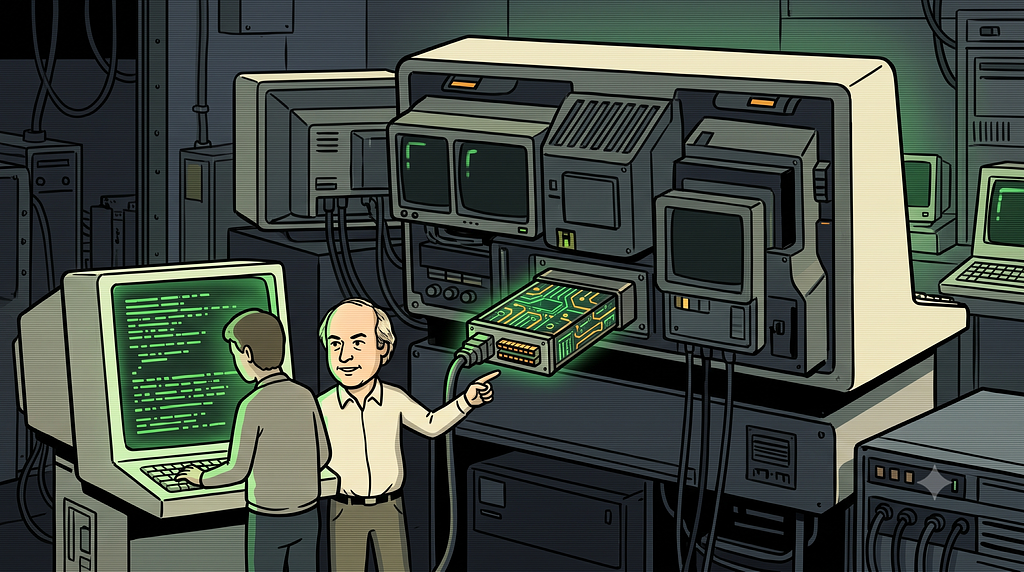
You May Not Own the Surface Anymore
If a use case flows through the assistant, the interface your user sees is the assistant’s, not yours. They ask Claude to find every auto-renewal clause in their contracts, and Claude reaches your contract platform through a connector, does the work, and answers in the chat. The user never opens your application. They never see your navigation, your carefully built dashboard, your brand. Your product did the work and stayed invisible.
That’s the real consequence of fewer surfaces.
For a meaningful set of tasks, you don’t own the surface anymore and it looks like service design. The assistant does. Jakob’s Law still applies — but now it applies to the assistant’s interface, which you don’t control, and your job shifts from designing the destination to being legible through someone else’s.
For a meaningful set of tasks, you don’t own the surface anymore, the assistant does.
This is where the affordance problem Amelia Wattenberger flagged early comes back, relocated. She pointed out that a bare chat input has no affordances — the same rectangle looks like a search box, a login form, and a credit card field. When your product is reached through that rectangle, its capabilities are only as visible as the assistant makes them. Users won’t discover your features by clicking around. They’ll discover them only if the assistant knows your product can do the thing and surfaces it at the right moment. Users are not used to having the ability to ask what the agent does; they have to get the courage to ask, and even more so, know what the right questions are.
So the work moves to a different layer: clear names, well-structured actions, data and capabilities described so an assistant can find them and route to them.
Information architecture stops being about your sitemap and starts being about whether a model can understand what you offer and call it correctly; I call it bringing the experience to the user.
The deep, full-screen experience still matters for serious work, but first contact increasingly happens somewhere you don’t design.
And this should change how you think about consistency itself. The conventions that helped users now help the agent, for the same underlying reason. A model has its own version of Jakob’s Law: it was trained on the common patterns of the web, so it recognizes and operates a standard component — a labeled field, a conventional button, a familiar date picker — far more reliably than a bespoke one.
A novel interface is out of distribution for the agent the way an unfamiliar site is for a person; it has to guess, and guessing is where most tasks goes wrong. Consistency used to be a courtesy to users. It’s now a condition for the agent to act on their behalf without breaking things.
And for now, the agent is often using your actual screen to do it so they have to know the conventions.
The clean path is a purpose-built API or connector, but that coverage is patchy — most software still doesn’t expose its capabilities in a form an agent can call. So agents fall back to what they can always reach: the human interface. With computer use, Claude looks at the screen, moves the cursor, and clicks and types like a person, driving the same buttons and fields you built for people. Until APIs catch up to an agentic world, your visual interface is the agent’s interface too — and a clear, conventional screen becomes the difference between the agent finishing the task and fumbling it.
Action items
- Name things the way people ask for them. Rewrite your features and actions in the words a user would say out loud to create a better sematic layer, not the labels your database uses. The assistant can only route to what it can recognize.
- Favor conventional patterns over clever ones. Reach for the standard component before the bespoke one; the model has seen the convention a million times and is far likelier to operate it correctly.
- Expose and describe your capabilities. Make your actions reachable over the protocols assistants use, and describe what each one does and when to use it — so the assistant can both reach you and know to surface you at the right moment. If it isn’t connected and described, it isn’t discoverable.
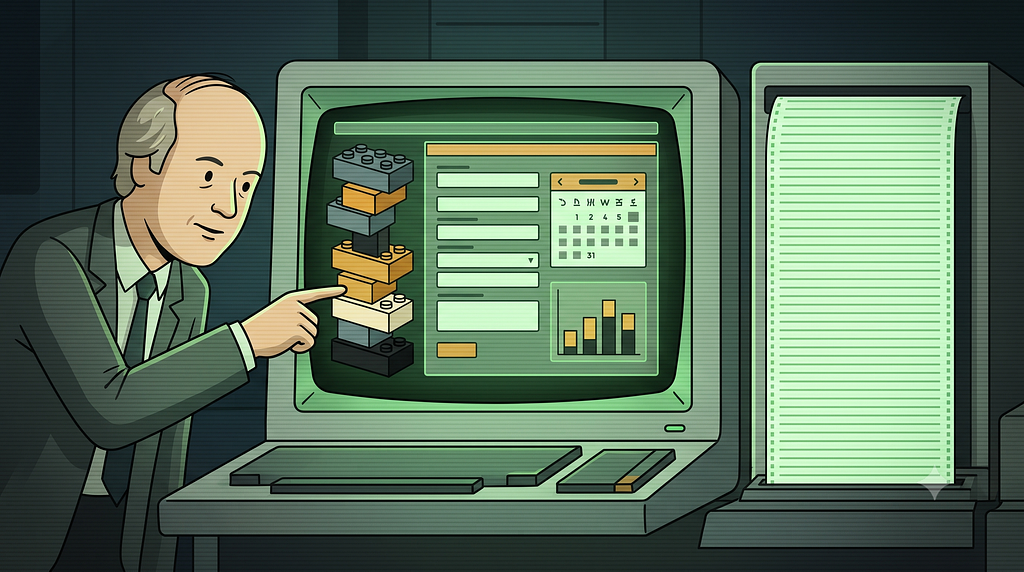
A2UI Is How the Patterns Come Back In A Standardized Way
The collapsed surface has a real weakness: for the past two years it’s been mostly text. You ask, the assistant answers in prose, and the affordances that made graphical interfaces usable — the date picker, the slider, the seat map, the form that won’t let you submit a bad value — flatten into a paragraph you read and a sentence you type.
That’s the affordance gap from the last section, and it’s a step backward from interfaces we spent thirty years refining.
A2UI is the standard built to close it.
Introduced by Google at the end of 2025 as an open project for agent-driven interfaces, A2UI lets an agent render a real interface — a form, a chart, a booking flow — inside the conversation using the client application’s own native components. The agent describes what it needs as structured data, not executable code. Your app draws it with your component catalog, your styling, your design system. You decide which building blocks exist; the agent arranges them for the moment.
The affordances come back inside the assistant, without anyone leaving the conversation.
This isn’t a Google-only idea, which is how you know it’s a direction and not a single bet. On the Claude side, MCP Apps shipped in early 2026 as the first official extension to the Model Context Protocol, letting a tool return interactive UI that renders right in the conversation — dashboards, forms, multi-step workflows — across Claude, ChatGPT, and other clients. Two of the largest players arriving at the same answer from different directions: the conversation should be able to show real interface, not just describe it.
Here’s why that matters more than it looks. A2UI and its cousins are the mechanism that carries Jakob’s Law into the collapsed surface. Users get the conventions they already know — a date picker behaves like a date picker — instead of typing into a void and hoping.
It also resolves the ownership problem from the last section. You no longer have to choose between owning your destination and disappearing behind the assistant; your interface, your components, your conventions can show up inside a surface you don’t control.
And it standardizes the same way a design system does. A2UI does for the agentic layer what a design system does inside an organization: it fixes a shared vocabulary of components everyone builds against, so what gets rendered stays consistent and predictable no matter who assembles it. A design system keeps your product coherent for your team; A2UI keeps it coherent when an agent is doing the rendering. Same discipline, one level up.
Like the protocols around it, A2UI is a standard — Jakob’s Law operating one layer down, where everyone builds against the same language so the pieces fit. The interface conventions that make software usable finally get a way home.
Action items
- Find the moment text fails. Locate the one place where a prose reply isn’t enough — a form, a chart, a picker, a preview — and treat it as your first generative UI surface.
- Prototype it with your own components. Build that surface as an MCP App or A2UI view from your existing design system, so it renders inside the conversation looking and behaving like you, not like a generic widget.
- Build against the standard, not around it. Adopt A2UI or MCP Apps as they mature instead of inventing a private rendering scheme; the point of a standard is that any agent can render your interface without special-casing you.
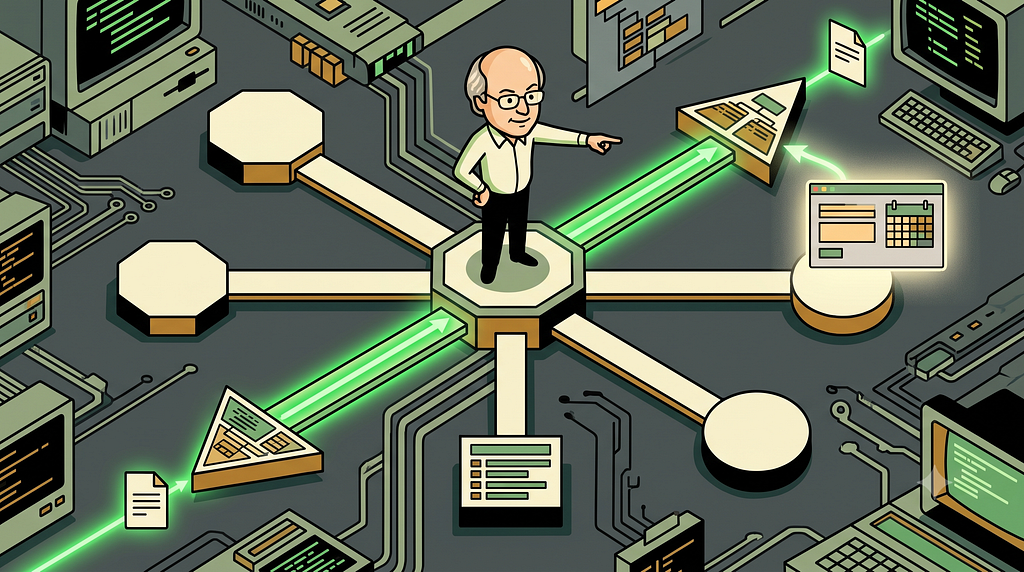
Apply It: Design for the Front Door You Don’t Control
So how do you apply Jakob’s Law when the surface is collapsing into an assistant? Split the problem in two: the tasks that come through the assistant, and the ones that still bring people to you directly.
For the tasks that route through the assistant, conform. This is the core of the law, and it hasn’t changed: meet users where they are, in the interaction they already know.
- Make your product easy to invoke and easy to understand from the outside.
- Name your actions the way a person would ask for them, not the way your database does.
- Expose your capabilities through the connectors and protocols assistants use, so the front door can reach you — and where the task needs real interface, render it with generative UI like A2UI or MCP Apps, so users get your affordances and your design system inside the conversation rather than a wall of text.
If a user can describe what they want, your product should be reachable by that description and usable once it’s reached.
Name your actions the way a person would ask for them, not the way your database does.
For the tasks that still bring people to your own interface — the deep, high-stakes, exploratory work — keep matching the conventions of your domain and the wider web. Those users still carry expectations about undo, status, recovery, and the shape of their own field. Fewer surfaces doesn’t mean one surface. It means a smaller number of places that each have to be more coherent, not less.
Action items
- Run the never-opens test. Assume the user never opens your product and instead asks an assistant to do the job through it. List everything the assistant would lack — names, structure, actions, interface — and fix it.
- Hold your own surface for the deep work. For high-stakes, exploratory tasks that still bring people in directly, keep matching the conventions of your domain and the wider web: undo, status, recovery, the shape of the field. Fewer surfaces means each remaining one matters more.
- Design the no-surface case. When a task runs ambiently, there’s no screen to make familiar — so put the effort into the summary, the notification, and the undo, because those are the only touchpoints the user gets.
Jakob’s Law: It’s Always About Meeting The User Where Their Mental Model Is
Jakob’s Law was never about a particular interface, it was about respect for where users spend their attention, and the habits they build there. For most of the web’s life, that attention was scattered across thousands of sites, and the law told you to match them so each one cost the user less to interpret. Now an agent can do much of that interpreting for them.
The advice still holds — but the place it applies has moved.
The premise is shifting. Attention is consolidating into a small number of assistants that increasingly act as the front door to tasks that once each had their own home. The law doesn’t break. It points somewhere new — at the assistant, and at the growing share of work that reaches your product through it rather than at it.
The discipline is to design for both. Be reachable, legible, and easy to invoke through the surface you don’t own — and, with generative UI now arriving, able to show your own interface inside it. Keep your own surface coherent for the work that still demands it, because fewer surfaces makes each remaining one matter more.
Apply Jakob’s Law the way you always should have. Find out where your users really are. Right now, more of them are in the assistant — so meet them there, even when “there” isn’t your product at all.
Jakob’s law: How to apply it as AI collapses surfaces into one chat box was originally published in UX Collective on Medium, where people are continuing the conversation by highlighting and responding to this story.


