

Rethinking UX as we start designing for agents and automation
“User” has traditionally meant one thing: a person. The user is someone who navigates an interface, scans text/visuals, and makes decisions. UX/UI has always been about “reducing friction” between humans and the products they use. But UX and the design process are heavily evolving.
In Design systems, I’ve been running into a different kind of “user”…it’s not a person, but a machine. Documentation that needed to be clear to only designers and engineers is now expected to be parsed by AI tools. UI component guidelines that followed “human-readable” conventions are being pressure-tested (especially the guidelines that only live in Figma comments or designer’s heads).
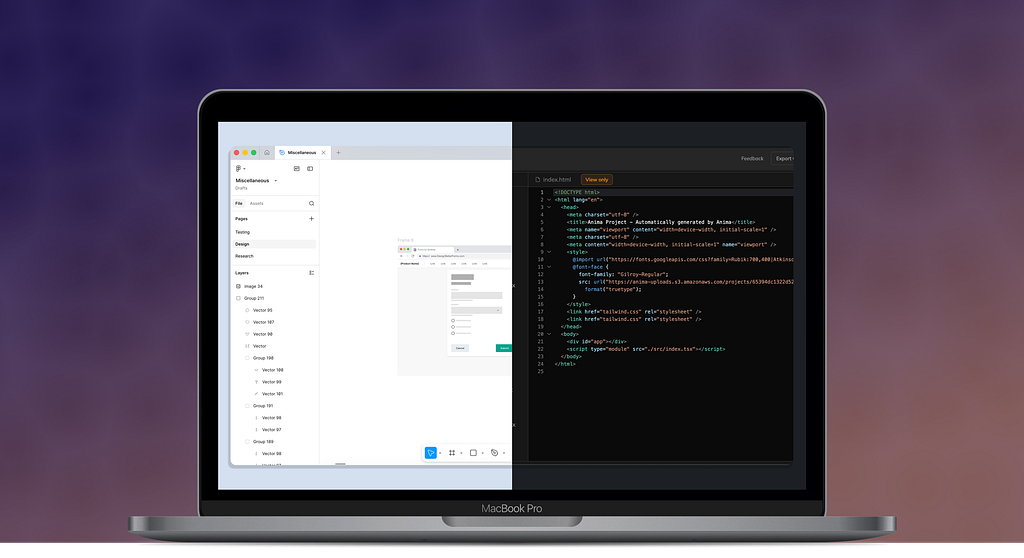
The component documentation is starting to break. I’m left asking, “Are the guidelines explicit and structured enough? Is there too much flexibility or rigidity? Can the user (whoever that is) understand the intent?”
Recently, I read The Design of Everyday Things by Don Norman, and this imbalance became even more apparent. The concepts still hold; like human needs don’t change and good design aligns with how people think vs. how systems are organized. But what happens when “the system” becomes a collaborator or even the sole contributor?
So if UX has always been about designing for people and human understanding, what does it mean to also design for machines and their interpretation?
Human-centered design doesn’t suit machine constraints
Human-centered design has been built around the idea that design should adapt to the way people think…not the way a system is structured. So designers created interfaces and flows that relied on intuition and context, while leaving room for human interpretation. But this approach breaks down when “user” also includes machines. Unlike our human users, machines can’t infer meaning or fill in gaps; they need clarity and precision.
Now that design is beginning to serve people and systems, can we still depend on human-centered design thinking?
When people were the sole focus of design, we needed to create signifiers to cue our users and help them understand the possible actions. Like making a digital button look clickable or visual hierarchy guiding the user’s attention down a webpage.
Machines execute vs. interpret
But machines don’t work like people. Machines need explicit structure, rules, and consistency. The typical user we have designed for can infer meaning from vagueness and flexibility of ideas, but a machine can’t.
So we can no longer just design screens or user flows for human intuition; we now need to focus on how intent is translated by systems that don’t think as people do.
And the same applies to Design systems. They have historically balanced clarity and flexibility of interpretation for humans, but now they must also be the source of truth for machines that rely on precision and strict standards.
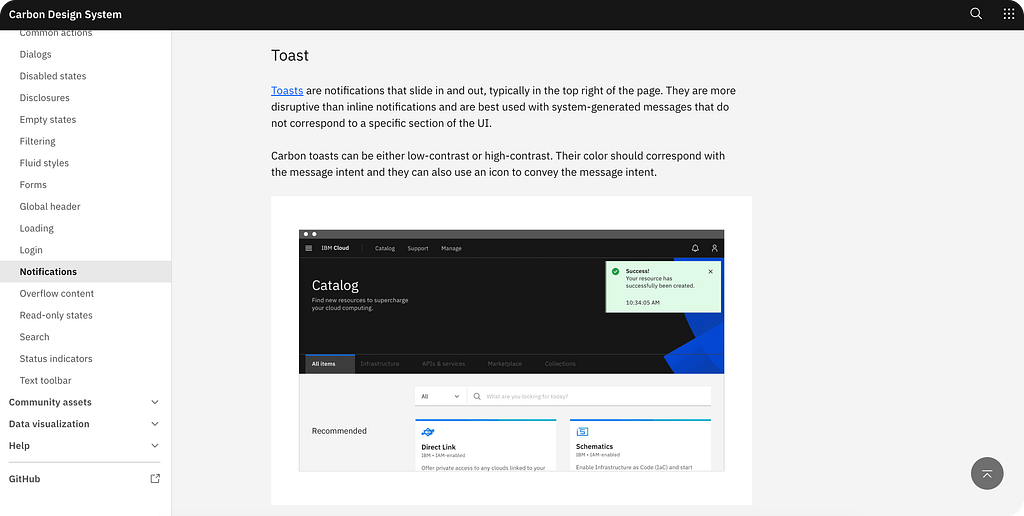
For instance, let’s say a component guideline states, “use this variant for emphasis” or “avoid this pattern in complex flows.” These are useful and flexible instructions, but they break down when a machine tries to apply them. The machine would have to guess what does and does not qualify as “emphasis” and “flow complexity.” Because without explicit context, these guidelines become unusable.
To make component documentation “machine-readable,” guidelines need to translate how design decisions are made.
- Use defined input and output: Instead of “use this component variant for emphasis,” documentation needs to map the exact design conditions, like priority level or message type
- Create clear rules and conditions: Rather than suggesting what designers should do, guidelines need to outline explicit logic (if X is true, use Y) so decisions can be made consistently without relying on subjective judgment
- Reconstruct as structured data: Written descriptions need to be broken down into formats machines can understand, like design tokens and component properties, so they can be applied automatically
Designers are now working in two worlds…one that shapes intuitive experiences for people, while the other defines stringent rules that machines can’t misinterpret. And as our typical user begins to include both the human and machine, we have to design for communication and experiences that both can understand.
Design systems were never built for machine-readability
Design systems function as shared guidance between teams to help scale component and pattern consistency across products. But Design systems were meant to be interpreted by people; they weren’t meant to be executed by systems.
Design system documentation has been written in natural language with real-life examples to act as visual aids. Instead of providing strict rules, Design systems rely on its users taking on an informal learning process through discussion and experience.
But humans are good at filling in gaps or asking questions. Documentation that states, “Use this component for high-priority messaging,” doesn’t need to categorically define what “high-priority” means. Instead, Design system designers and adopters align through shared understanding and their own judgment.
Example of “machine-readable” documentation for a banner component used for priority:
# Banner

Surfaces system messages and alerts. Variant is resolved automatically from `message_type` and `user_impact`.

## Props

| Prop | Type | Default |
|------|------|---------|
| `variant` | `'info' | 'success' | 'warning' | 'critical'` | `'info'` |
| `message` | `string` | — |

## Variant Logic

| `message_type` | `user_impact` | Variant |
|----------------|---------------|---------|
| `error` | any | `critical` |
| `risk` | `high` | `warning` |
| `success` | any | `success` |
| `status` | any | `info` |
With machines and AI tools taking on more design work, human judgment will have less say in the process. So Design systems must shift from simply describing components and patterns to exposing each of their rationale and structure.
Designing for interpretation and execution
If Design systems are to become true frameworks for human and machine design teams, what does “good” documentation mean? How can we make sure the documentation has dual understandability for the two types of users?
To support the human user, Design systems still need to support judgment and open-endedness. Designers and engineers rely on examples and written specs to apply components to real-world context. But over-specifying every condition and edge case would make the system too rigid to implement.
But to support the machine user, Design systems need to do just the opposite. Machines need explicit rules and parameters that allow them to generate repeatable outputs. So if a rule is not defined, machines can’t use its own judgment to fill in the gaps.
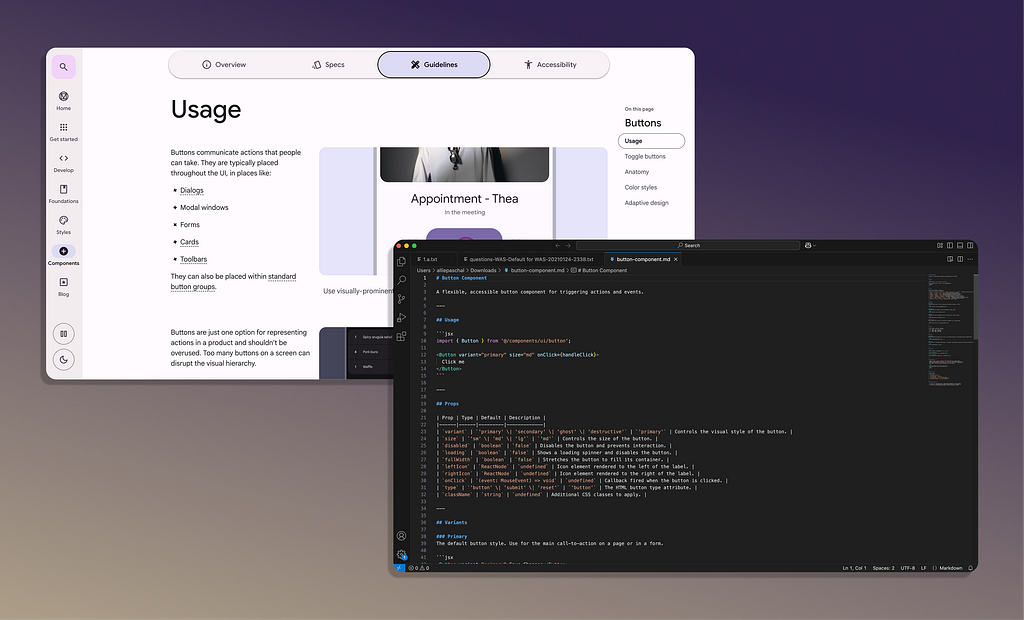
Where flexibility and structure belong in documentation
Documentation meant for human-readability should remain explanatory with intended usage, design tradeoffs, and demonstrative examples. But adjacent to the explanatory side, there needs to be specific reasoning that defines how component decisions are made to support machine-readability.
So Design systems should support two parallel layers that are aligned, but serve different audiences.
- Human readers need a descriptive layer that supports understanding, flexibility, and design judgment
- Machine readers need a structural layer that translates rules, design constraints, and machine-executable logic
As more design work is facilitated by machines and AI tools, components and pattern documentation must be rewritten in a format that survives both human and machine interpretation.
The “user” is no longer only human (which is weird to say). We’re used to providing flexibility for Design systems, interfaces, and flows; it’s powerful when the user is human, but it becomes a vulnerability when the user becomes a machine.
Our challenge is to balance open-ended judgment with explicit rationale, so design and Design systems can support both human intuition and machine execution.
Should I design for humans or machines? was originally published in UX Collective on Medium, where people are continuing the conversation by highlighting and responding to this story.


